
MCP Layer
Access your trusted qashqade data through your AI tools_
Built for CFOs and COOs in private markets who want to run qashqade planners from inside their AI tools. Perform detailed, holistic analysis on data without having to download it first. With the platform’s permissions, governance, and audit trail fully intact.
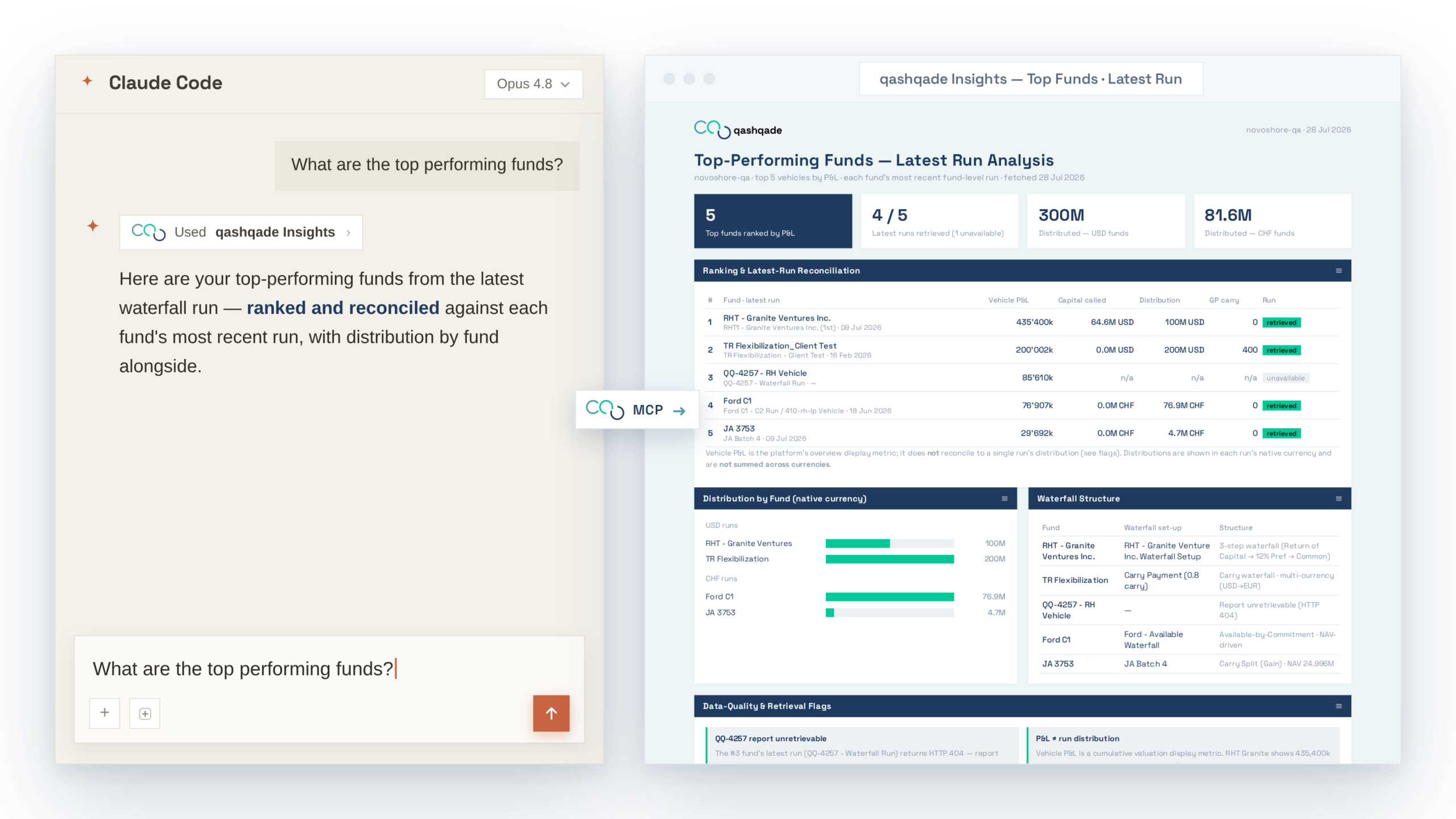
Reach qashqade from the AI tools your team already works in
Getting qashqade’s numbers into your own private markets workflow has traditionally meant one of two things. Either you were logging in to the platform to read a figure off a screen, or commissioning an integration project. The latter compete for scarce development resource and are easily outranked by other priorities. In reality, the work you wanted may have to wait weeks or months.
The qashqade MCP layer removes that friction. qashqade exposes a set of MCP servers so the AI your team already uses can work directly with the platform. Ask questions in plain language, triggering waterfall and carry calculations within qashqade, and reading back validated results. All without a bespoke build and without leaving the tool in hand. It comes as two focused servers: one for analysis, one for action.
Two doors into the same engine
What never changes is where the numbers come from. The AI never performs the private markets allocation math. Instead it asks qashqade’s deterministic engine to run and reads back exactly what the engine produced. Every figure that comes out of qashqade into your AI is computed the same way on every run. It is traceable to its source and defensible to LPs and auditors.
The calculation core stays exactly as it is today; an MCP server is simply a second door into it. The interface is the door a person uses. An MCP server is the door an AI uses. Both lead to the same validated logic, and neither one changes the answer.
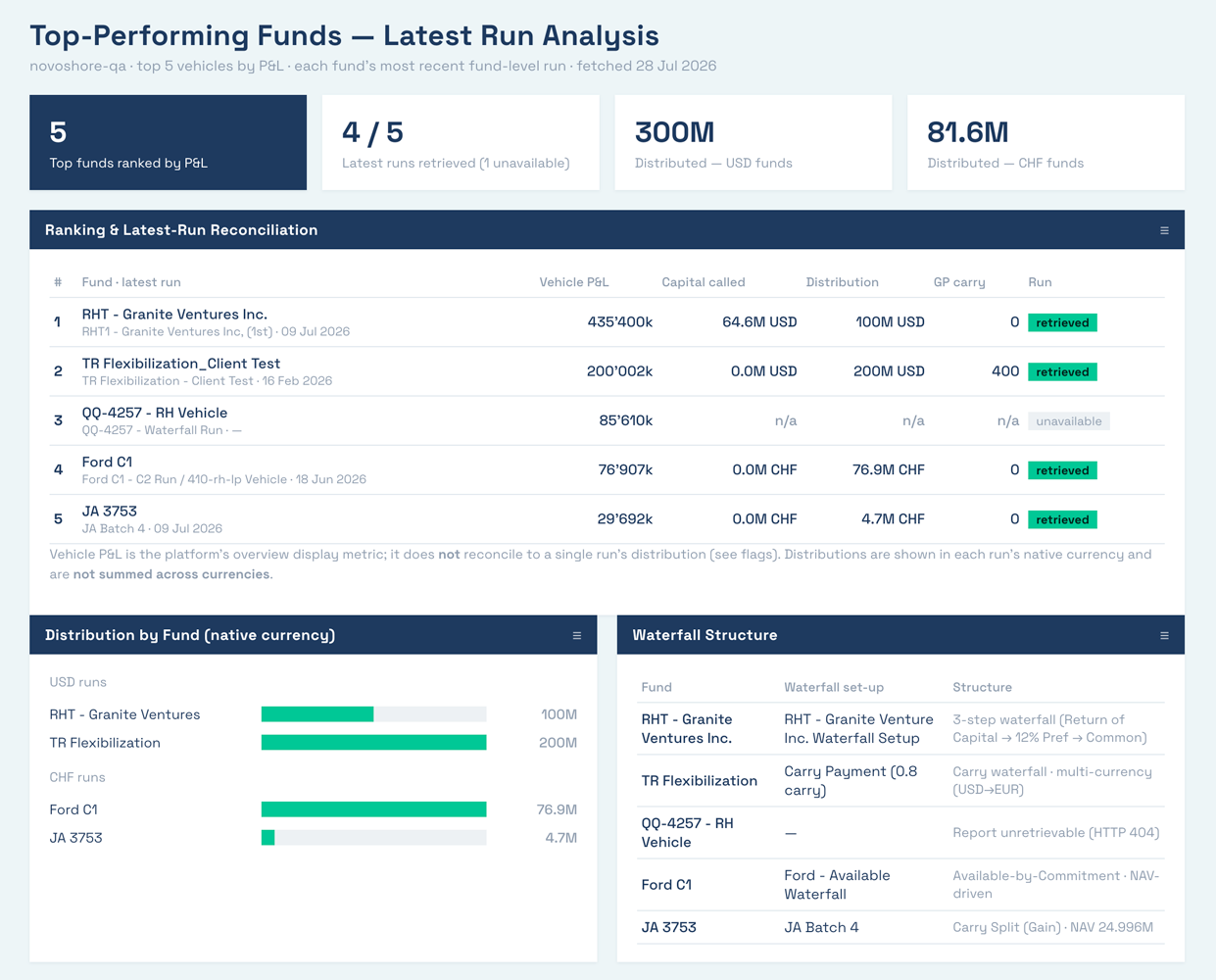
Ask the qashqade platform anything via your AI
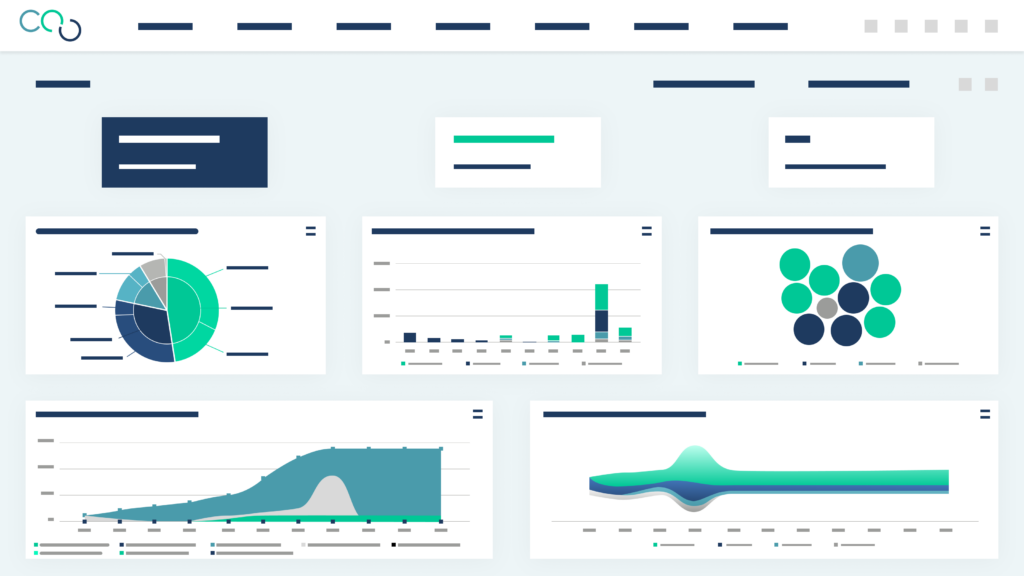
The MCP server lets anyone on your team interrogate the proprietary private markets platform directly, in plain English. Your AI can retrieve your funds and partners, look up a vehicle’s waterfall run history, and pull the results of any past run. Then turn them into tables, charts, and dashboards. It ships with qashqade Insights, a ready-made skill that orchestrates the work and turns a question into a finished, qashqade-branded dashboard, generated in both light and dark modes and converted to PDF or Word on request. Format the output for a downstream system or build a dynamic visualisation for a specific audience; the only constraint is your imagination, not the tooling.
The client API Server: Run real work without an IT project
Consuming the qashqade API has traditionally been an integration project. However, with the Client API MCP server, a member of your business team can now trial and use the API themselves. This includes listing the planners set up for a fund, triggering a calculation (including the data load and the generation of your target reports), checking its status, and reading back the result. No development work to schedule and no waiting.
The solution is self-contained, and where you need full orchestration it can be extended with automation tools such as N8N. Therefore, for your own developers or an integration partner, it lowers the barrier to entry and shortens the time to implement, without giving up any of the flexibility a full integration offers. Each server exposes only its narrow, approved set of functions. The MCP Server is not a general-purpose gateway into the platform security and governance are maintained as you would expect from the qashqade platform.


A new way in, not a new way around your controls
The MCP layer changes how you reach qashqade, not who is allowed to see or do what. Your session begins with the same login as the platform: you sign in, qashqade validates exactly what you’re entitled to, and your actions are logged. The AI inherits your permissions and never sees more than you would. You cannot reach anything through AI that you couldn’t already reach yourself.
The MCP server can only run planners that the user is already allowed to run but cannot change or delete anything. The Client API MCP server can only trigger the authorised functions you already have (never arbitrary commands) and report destinations stay configured inside the platform. The whole layer runs under qashqade’s standard SOC 2 change control, and a formal governance report is available for each MCP server so your security and risk teams can review it in detail.
How the MCP layer works at qashqade
Getting connected is quick. Once you’re set up, your team can ask qashqade anything your permissions allow: from a single figure to a full analysis.

Install the qashqade skill
qashqade supplies a ready-made skill as a simple file. Drop it into your AI client and it’s picked up automatically the next time you start.

Enable access
Your AI administrator can enable the MCP server centrally and control who has access to it, or for the API MCP an individual can enable it locally.

Sign in
Start a session with your normal qashqade user. qashqade validates you and issues a secure token that carries your permissions into the session.

Ask in plain language
From “list our vehicles” to “take the last waterfall run and build me an analysis.” The MCP server enquires and returns the result, ready to analyse, share, or export.
Insights
See the MCP layer in action
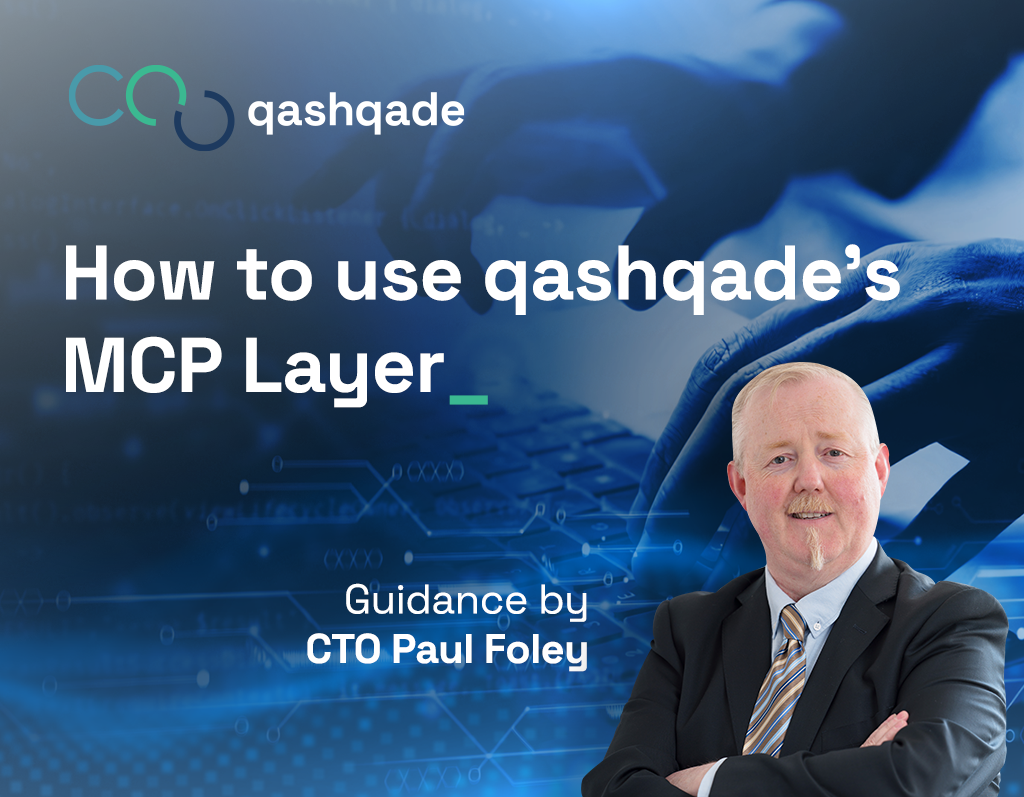
qashqade CTO Paul Foley takes the MCP server from a standing start to a finished, branded dashboard: what to install, how access is configured, how to phrase a request, and what the outputs can look like.
Stop worrying about whether your numbers are right
You don’t need more flexibility. You need calculations you can trust, explain, and defend. Every single time.
FAQs
Quick answers to the questions we hear most.
Still have questions?
Reach out to our team.
We're here to answer your questions.
The MCP layer is a way to reach qashqade's allocation calculation platform directly from AI tools you already use, instead of the traditional qashqade interface. It works through two MCP (Model Context Protocol) servers.
No. The AI never performs the private markets allocation math itself. Instead it asks qashqade's deterministic calculation engine to run the waterfall and reads back exactly what the engine produced. That means every number stays traceable to its source and defensible to LPs and auditors, whether it was requested through the qashqade platform or through an AI client.
No. The AI inherits your existing qashqade permissions and never sees more than you would if you were logged in directly. You cannot reach anything through the AI that you couldn't already reach through the platform yourself.
No. The MCP servers cannot change or delete anything. The action-oriented server can only trigger functions you're explicitly authorized to run (e.g. planners). The MCPs do not facilitate any delete or modification operations.
Yes. Because the AI always calls qashqade's deterministic engine rather than estimating figures on its own, every waterfall or carry number derived through the MCP layer is the output that the engine produces elsewhere on the platform, governed by qashqade's standard SOC 2 change control. This is the same audit trail our clients have traditionally relied on.
Any AI client that supports the Model Context Protocol (MCP) can connect, including Claude and ChatGPT. An administrator installs the qashqade skill file into the AI client and enables the MCP server centrally or per user; you then sign in with your standard qashqade credentials and query the platform in natural language.
Within your existing permissions, you can run waterfall and carried interest calculations, look up funds, partners, and vehicles, pull waterfall run history, generate dashboards, charts, and tables, export results as PDF or Word, and trigger planners including data uploads and report generation. All without manual downloads or a bespoke integration project.
qashqade Insights is a ready-made skill within the MCP layer that turns a plain-language question into a finished, qashqade-branded dashboard without you having to build the report from scratch yourself.
A general-purpose AI asked to calculate a waterfall directly is estimating. Ultimately that means using math and logic it generates on the fly, with no guarantee it matches your LPA terms or your actual fund data. The MCP layer removes that risk entirely: every calculation is routed to qashqade's deterministic engine, so the answer returned is the exact output your fund administration and reporting already run on, not an AI-generated approximation.
Everyone connects through the same permissioned MCP servers and the AI simply mirrors whatever access level you already have in qashqade. In practice, fund managers use it to calculate and manage allocations, whilst institutional investors get clarity on fees and returns. However, the way you consume the MCP and its output is limited only by your imagination.
No. There is no integration to build. An administrator installs the qashqade skill file into your AI client and enables the relevant MCP server, and you sign in with your normal qashqade credentials. Ultimately, it's a second door into functionality that already exists on the platform.
Yes. It runs under the same security model that already protects the rest of the qashqade platform.